Record front and back camera
on iPhone at the same time
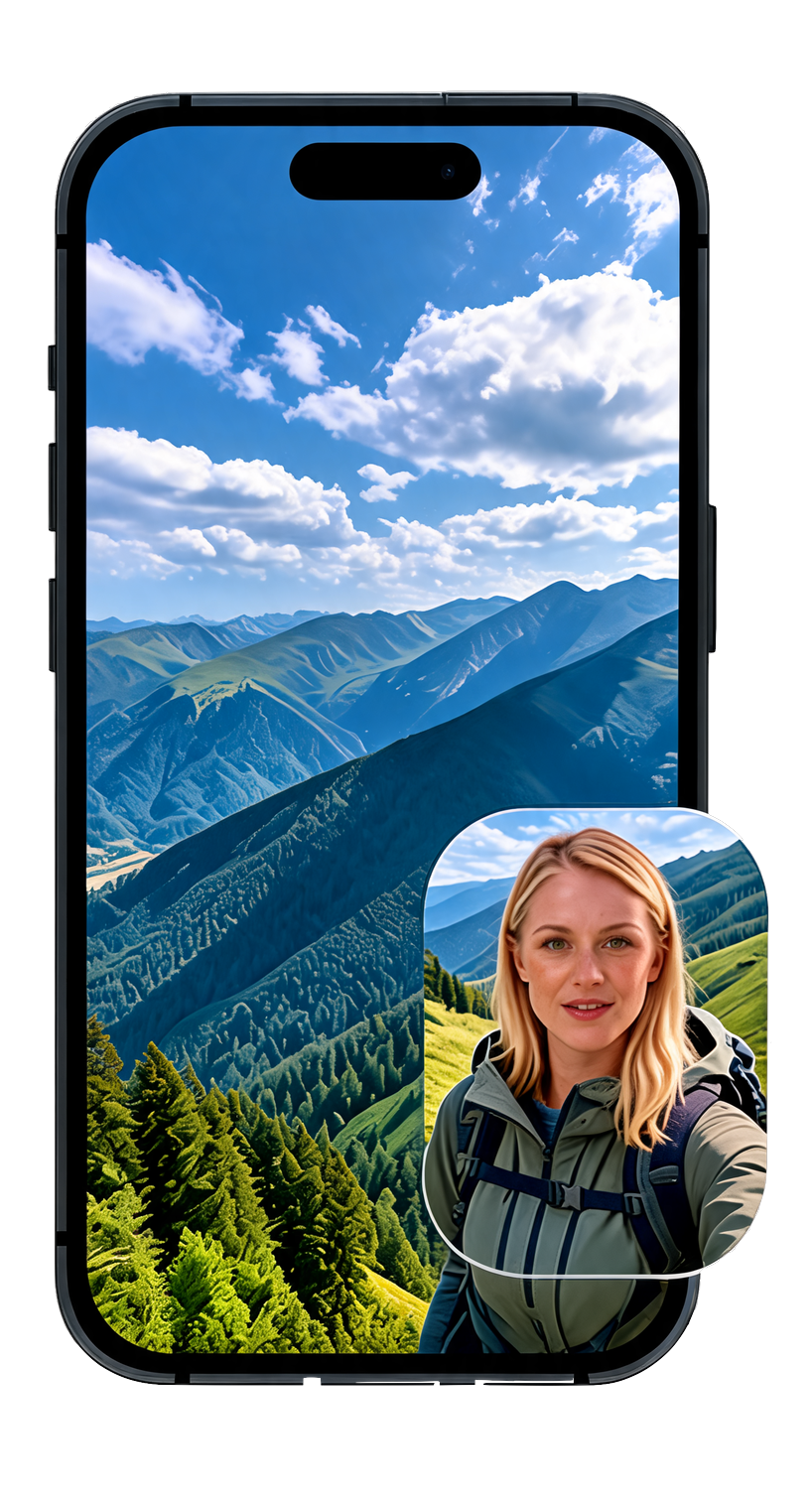
Reaction videos, vlogs, podcasts, and interviews in one synced take — your face and the scene together. Free to try; Pro removes the watermark. Also works on Mac with Continuity Camera.

See your face and the scene — without flipping cameras.
DualTake uses both iPhone cameras at once. Your reaction and what you're filming stay in sync — no second device, no editing two clips together.
- Front + rear recording in one tap
- Bubble, top/bottom, and side-by-side layouts
- Synced audio and export straight to Photos
- Built for reactions, vlogs, and UGC


A two-camera podcast setup — no capture card.
Open DualTake in Chrome or Safari on your Mac. With Continuity Camera, your iPhone becomes a second angle — webcam plus phone, recorded together in the browser.
- Mac webcam + iPhone via Continuity Camera
- Same Apple ID, same Wi-Fi — zero extra hardware
- Interview and podcast layouts in the browser
- Sign in to sync Pro across the web
Frame both angles the way your story needs.
Tap a layout to preview it live — bubble for reactions, splits for podcasts and interviews.
One take vs. the two-clip hassle.
Recording two angles used to mean two devices and a timeline full of editing. DualTake collapses it into a single tap.
| What you need | The old way | With DualTake |
|---|---|---|
| Both angles at once | Film twice, or rig up two phones | Front + rear in one synced take |
| Audio in sync | Line up two clips by hand in an editor | Synced automatically |
| Gear | Second device, mounts, capture card | Just your iPhone — or Mac + iPhone |
| Editing | Cut two timelines together | One ready-to-share video |
| Layouts | Manual picture-in-picture | Bubble, top/bottom, side-by-side built in |
Quick answers before you record.
Yes. DualTake records the front and rear cameras simultaneously in one take, with synced audio and export to Photos. Layouts include bubble overlay, top/bottom split, and left/right split. See how to record front and back camera on iPhone: how to record front and back camera on iPhone
Open DualTake in a browser on a Mac running macOS Ventura or later with an iPhone on iOS 16+ on the same Apple ID. Continuity Camera exposes the iPhone as a second video source so you can record Mac webcam and iPhone angles together. Setup guide: Mac Continuity Camera setup
DualTake is built for creators who need two angles at once—reactions, vlogs, podcasts, and UGC—without syncing two separate clips in an editor. Learn more about the iPhone dual camera app: iPhone dual camera app
Apple Dual Capture (newer iPhones) can record two cameras into separate files. DualTake works on more iPhones (iOS 17+), composes both angles into one exportable video with bubble or split layouts, and also supports Mac + Continuity Camera. Comparison: DualTake vs Apple Dual Capture
DualTake is available on the App Store for iPhone and iPad (iOS 17+). Search for DualTake or open the App Store listing from getdualtake.app.
Yes. The web app runs in Chrome, Safari, and Edge on Mac for Continuity Camera workflows. Simultaneous front-and-back recording on iPhone is in the native iOS app on the App Store.
DualTake Pro is a one-time purchase of $9.99 for lifetime access — a limited-time 90% off the regular $99.99, with no subscription. It removes the watermark and unlocks every layout. See pricing
Ship without the watermark.
Free recording includes a small DualTake watermark and shorter takes. Pro is a one-time purchase — pay once, keep it forever. No subscription.
- One-time purchase — no subscription
- No watermark on saved videos
- Recordings up to 60 minutes
- All layouts on iPhone and web
- Priority email support